

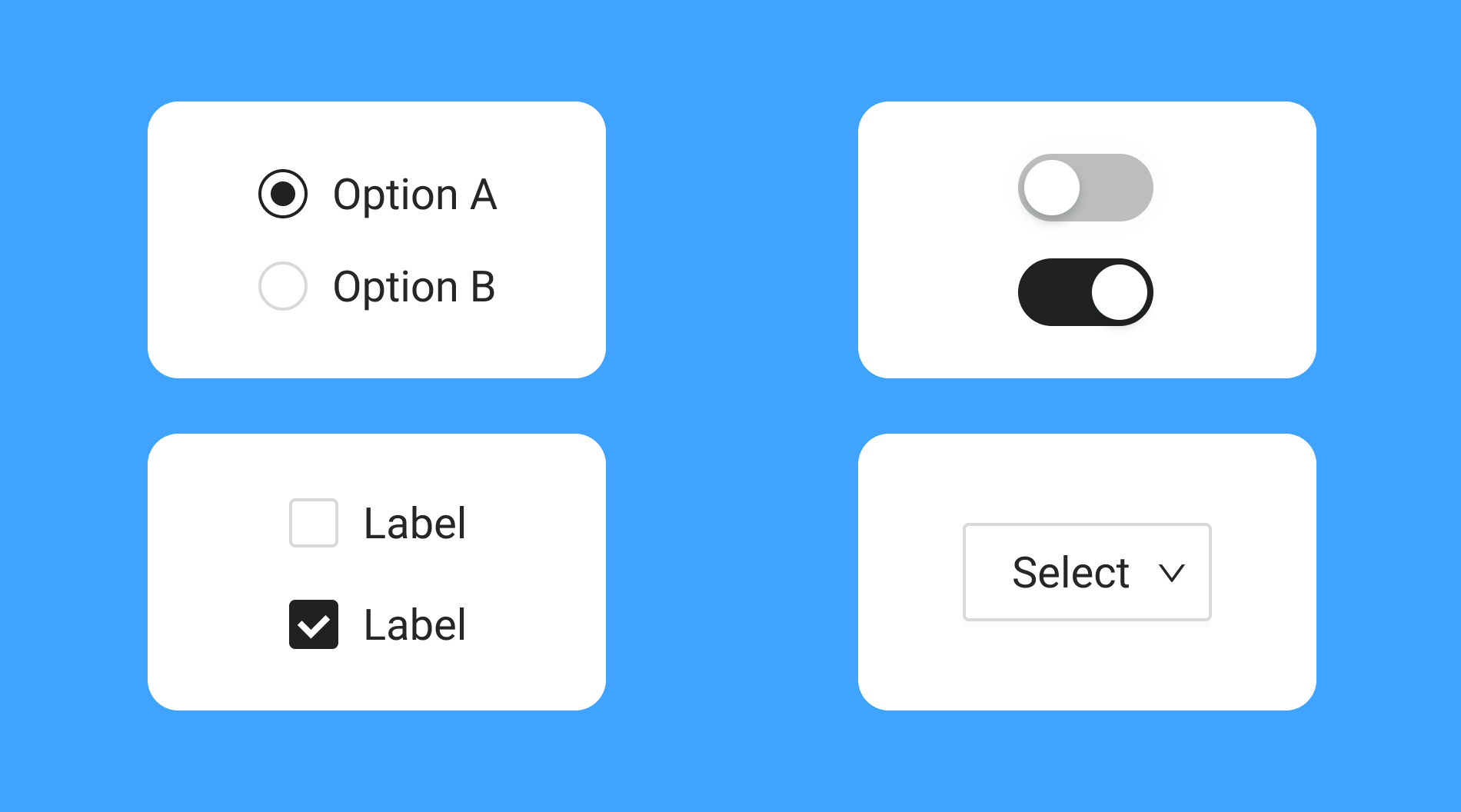
Introduction to Radio Buttons in Mobile UI
Radio buttons are an essential component in mobile user interfaces. They allow users to select a single option from a predefined set, making decisions clear and simplifying navigation. Their classic appearance and predictable function ensure users can interact with mobile apps efficiently. When it comes to radio button design, ensuring a seamless experience is crucial for mobile platforms, where space is limited and usability is key.
Whether a user is picking a favorite genre of music, choosing a payment method, or configuring app settings, radio buttons enable straightforward, mutually exclusive selections. Their use, when thoughtfully implemented, enhances both the clarity and effectiveness of mobile forms and menus. Understanding best practices for this UI element ensures it is implemented optimally in diverse mobile environments.
When to Use Radio Buttons
Radio buttons are best utilized when a user should choose only one option from a limited set. Typical use cases in mobile interfaces include situations where clarity and prevention of multiple selections are necessary. Good examples include choosing a delivery time slot, selecting a subscription plan, or choosing a support contact method.
- Users need to choose only one option from a list.
- The number of options is limited, ideally fewer than five.
- All options are presented at once to avoid overwhelming the user.
Making every available option visible at a glance helps users quickly understand their choices and make efficient decisions. Displaying too many choices in a radio button group can lead to cognitive overload, so designers should stick to brief, relevant lists for optimal results.
Designing Effective Radio Buttons
Designing radio buttons well requires careful attention to labels, order, and layout. Using descriptive labels that specify each option’s function prevents confusion and facilitates quicker selections. Arranging options in a logical sequence, such as by popularity or alphabetical order, also supports better user experiences.
- Clear Labels: Each option should explicitly state its purpose so users do not have to guess.
- Logical Order: Present options in order of relevance or frequency to make the selection process intuitive.
- Spacing and Alignment: Adequate vertical spacing between radio buttons ensures easy tapping and avoids accidental selections, especially on small touchscreens.
The Nielsen Norman Group advises that well-aligned, clearly labeled radio buttons can speed up interactions and reduce errors during selection tasks.
Common Pitfalls to Avoid
Designers can inadvertently create frustration when misusing radio buttons or overlooking mobile-specific needs. Common pitfalls include:
- Overuse of Radio Buttons: Radio buttons should be used only for single-choice situations. If users need to select multiple options, checkboxes are the appropriate choice.
- Inconsistent Styling: Maintaining consistency in the look and feel of radio buttons throughout the UI prevents confusion. Inconsistent design makes the interface appear unpolished and reduces trust.
- Small Tap Targets: On mobile, radio buttons must be sufficiently sized for finger taps. Small targets can lead to user frustration and frequent missed selections, so adhering to minimum touch-size guidelines is essential.
Ignoring these pitfalls may degrade the entire user experience, making interactions slower and less intuitive.
Alternatives to Radio Buttons
In certain scenarios, other interface elements might serve users better. For long lists where only a single choice is permitted, dropdown menus are often preferred. Dropdowns conserve screen real estate and keep the interface uncluttered.
- Dropdown Menus: Suitable for longer lists, and when conserving vertical space is a priority.
- Toggle Switches: These are effective for binary on-off settings, such as activating airplane mode or enabling notifications.
Judiciously selecting the right element based on user needs and context will keep the interface intuitive and responsive.
Accessibility Considerations
Making radio buttons accessible is essential for inclusive design. Features such as keyboard navigability allow users who do not use touchscreens to interact with radio buttons efficiently. Applying ARIA (Accessible Rich Internet Applications) attributes communicates state and group information to assistive technologies. Additionally, using sufficient color contrast ensures all users, including those with visual impairments, can distinguish between selected and unselected states.
- Enable keyboard navigation for those who use physical or virtual keyboards.
- Include appropriate ARIA attributes on radio groups and options to improve screen reader compatibility.
- Ensure text and background combinations offer a strong contrast for visibility.
Prioritizing these guidelines extends usability to users with disabilities and meets compliance standards for app stores and digital platforms.
Final Thoughts
Radio buttons remain a foundational element of mobile UI, enabling precise selection where a single choice is required. Applying established best practices, from clear labeling to accessibility, ensures radio buttons deliver an effective, user-friendly experience. As mobile interfaces continue to evolve, adhering to these principles will help designers create intuitive, consistent, and inclusive digital products.
